
MyGig Shift
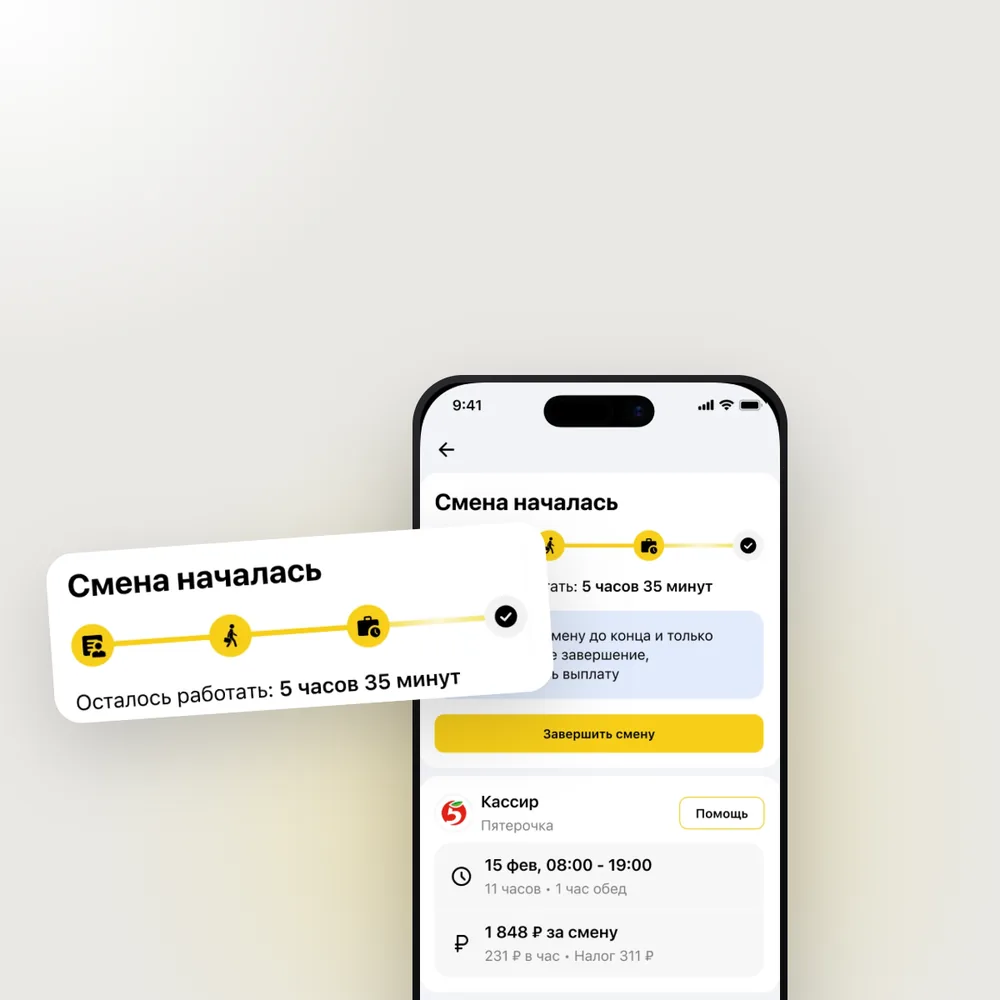
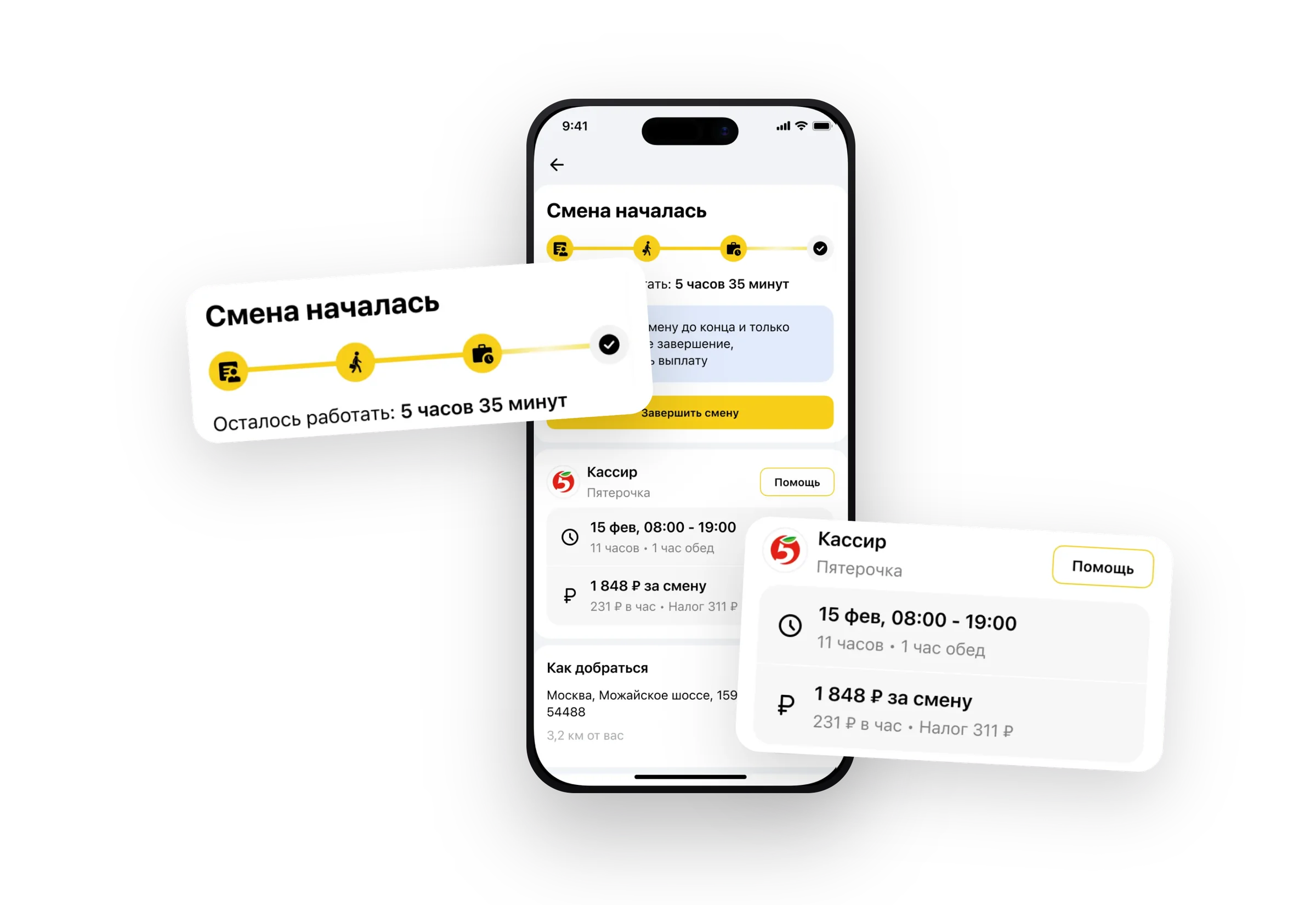
Everything after booking, from waiting for the shift to getting paid: 40+ states designed from scratch and tested with 108 respondents.
Role
Product Designer (Sole Designer)
Team
20+ people
Timeline
2025
Tools
Figma, Pathway, After Effects, Miro
A marketplace for short-term gig work
MyGig connects employers with workers for short-term shifts — cashiers, warehouse pickers, promoters, movers. Both sides of the marketplace live in the same app.
The two-sided model meant every design decision had to account for competing needs. The redesign was done on a live product with real users — no room for breaking changes.
01
Case · Flow redesign
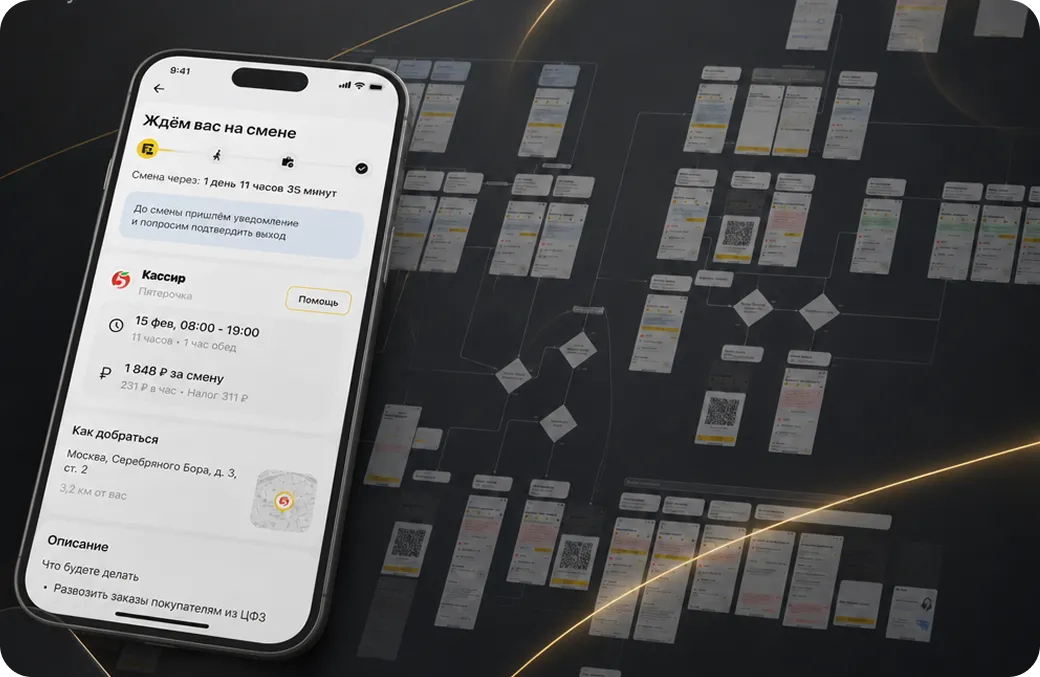
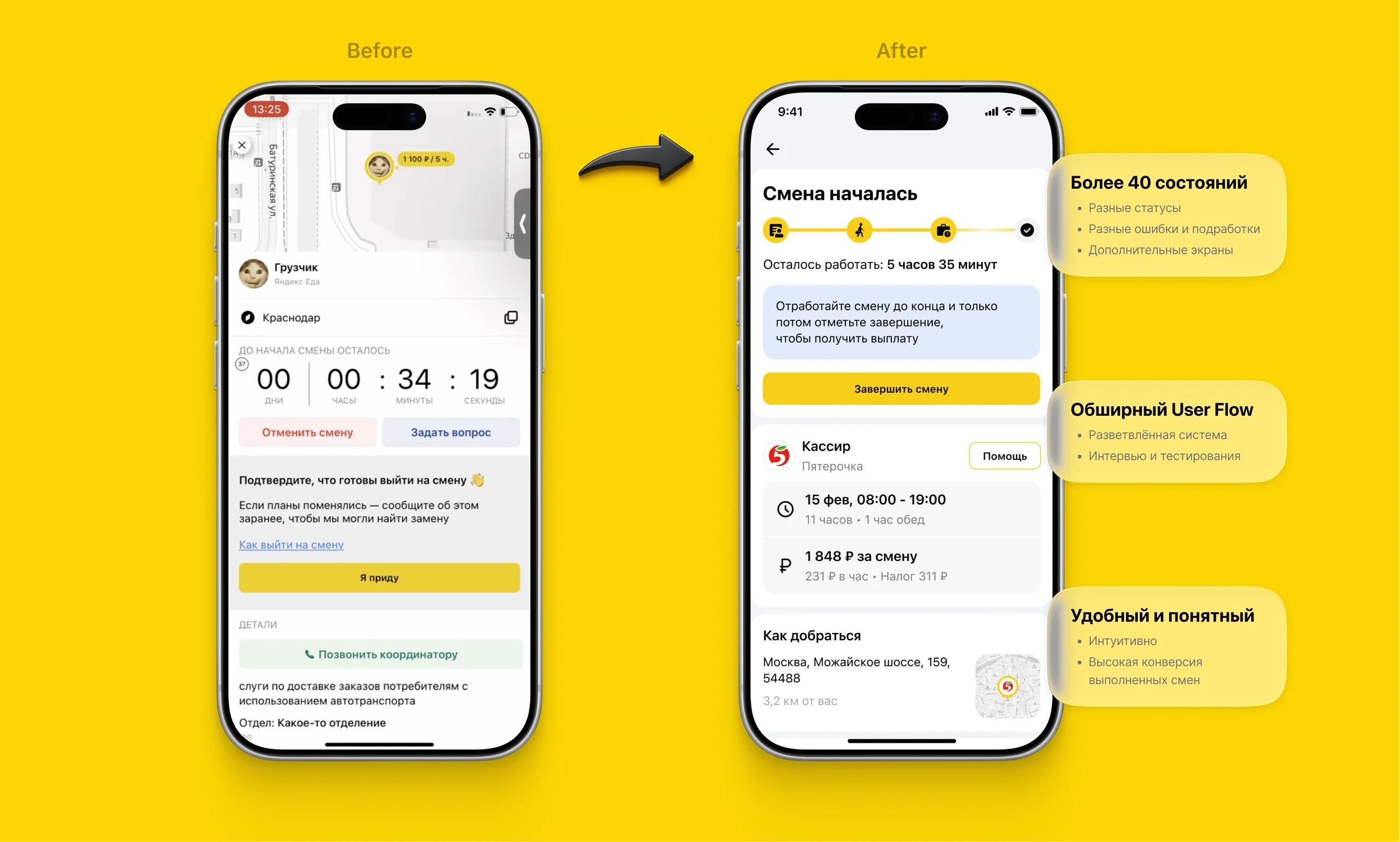
Active gig screens: 40+ states designed from scratch
Challenge
Full redesign of the active gig flow
After booking, the user goes through a long journey: waiting for the shift, confirming location, working, completing the shift, and getting paid. Each stage has its own set of states, errors and edge cases.
The existing design missed many real-life situations, had redundant states, and didn't surface the right information at the right moment.
Scope
40+ unique screens
- →Status states: waiting, en route, on site, in progress, completed
- →Error states: store rejection, late arrival, document issues
- →Comfort screens: shift guide, cancellation flow, support
- →Separate flows for competitive and standard shifts
Process
Step 01
System audit
Mapped the existing state logic through conversations with engineers
Step 02
User interviews
Interviewed users to identify pain points in the current flow
Step 03
Design
Removed redundant states, added new ones, restructured block hierarchy
Step 04
UX test
Unmoderated Pathway study, 108 respondents, Q3 2025
Key design decisions
Status timeline
Moved the progress stepper above the timer — closer to the status label — so icons and text read as a single connected unit
Store rejection
Added a nudge toward the support button and a mention in the guide — users were already doing the right thing, the UI just needed to confirm it
Icons
Replaced the ambiguous "in progress" icon — users associated it with full-time employees, not gig workers
Shift guide
Duplicated the guide link inside the "Description" block — that's where users instinctively looked first
UX test · Pathway · October 2025
Unmoderated study, 108 respondents. Results are qualitative — useful for directional insights, not statistically representative.
successfully found the shift cancellation button
found the shift guide without prompting
noticed the status stepper → became a design fix
Key insights
Status stepper wasn't always noticed:
39% of users missed it. Yet statuses were generally understood correctly — meaning the label text carried most of the communication load. Icons played a secondary role.
"In progress" icon was confusing:
users associated the briefcase icon with office workers, not gig workers. Replaced with a more universal option.
Users look for the guide in "Description":
most users tapped the Description block or heading first. Duplicating the guide link there fixed the discoverability issue.
Store rejection → users go to Support:
this is the right behaviour. The interface now validates that path instead of making users feel lost.
Outcome
0+
screens designed from scratch
0
respondents in the UX test
Positive
reception
users reported the new design felt clearer and easier to use
No direct conversion data — this redesign covered the post-booking flow, where the success metric is shift completion, not booking rate.